The link-in-bio that actually gets you paid.
Linktree is great for links. But if the point is getting paid, you want your Venmo and Cash App all in one tap - not a list of links pointing somewhere else.
14 days free · No cut on Venmo, Cash App, PayPal & Zelle · No app for your customers



toda vs Linktree
Linktree made link-in-bio famous. toda takes the same simple idea and rebuilds it around one job: getting you paid. Your page leads with payment - every method your audience already uses, in one tap - instead of burying it in a link list.
toda vs Linktree, side by side
| toda | Linktree | |
|---|---|---|
| Price | $5.99/mo after a 14-day free trial | Free plan; paid plans for more |
| Venmo, Cash App, PayPal & Zelle as one-tap pay buttons | Built in | Link-out only |
| Platform cut on direct payments | None | Fees on commerce features |
| Your logo in your QR | Yes | No |
| QR code + printable sticker for in-person | Yes | Limited |
| No app or account needed to pay you | Yes | Yes |
| Built specifically for getting paid | Yes | Links first |
| Asks for a Google review after every payment | Yes | No |
Comparison reflects each provider’s publicly listed features as of 2026. Plans and pricing change - check Linktree for their current details.
Switching is easy
Live in two minutes.
What you get
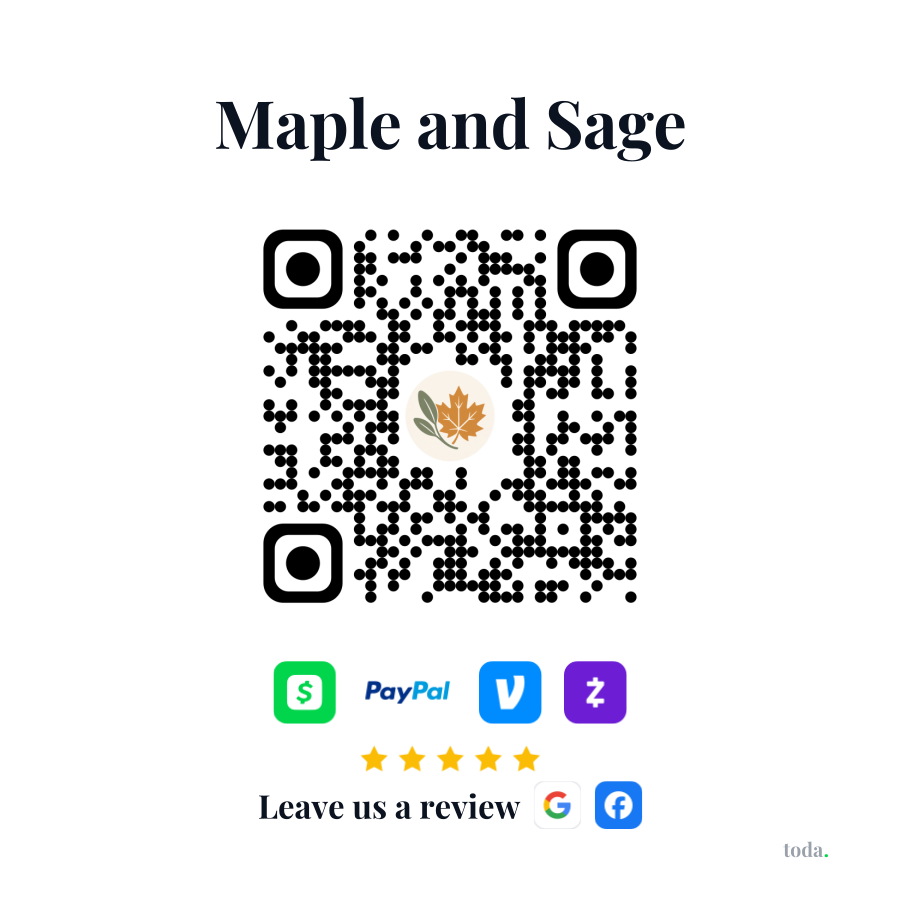
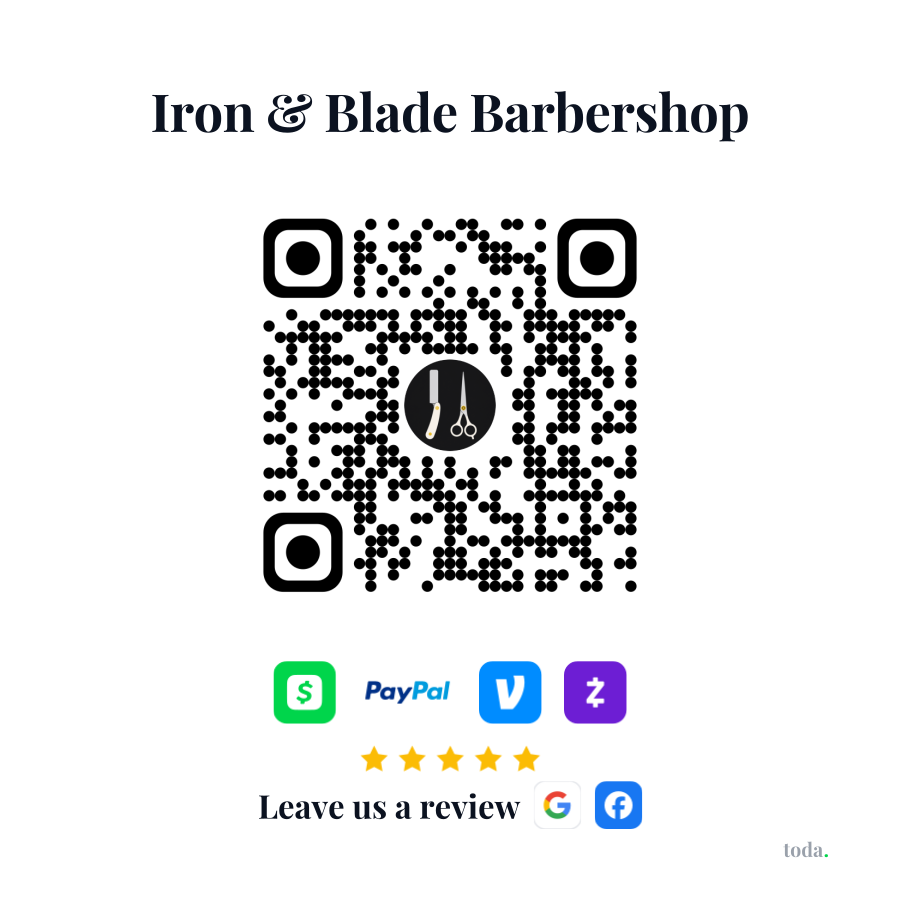
Real merchants’ stickers.
Every toda merchant can print one. Scan either sticker and you land on that merchant's live payment page.
Pricing
One plan. 14 days free.
Get paid, keep 100%.
- ✓Your page + QR code - print it yourself, stick it anywhere
- ✓Venmo, Cash App, PayPal & Zelle - straight to you
- ✓More Google reviews - asked the moment they pay
- ✓Apple Pay & cards on your page, toda takes 0%
- ✓Your brand - your logo in the QR, your colors
Same plan, save 44%.
Everything in monthly, plus:
- ✓About $3.33/mo - billed once a year
- ✓Priority support and first access to new features
Card required to start. We'll remind you before your first charge, and you can cancel anytime.
Questions? Answered.
Keep the link in bio.
Lose the lost payments.
Sign up in minutes and try everything free for 14 days, then $5.99/mo. No hardware. No contracts. Cancel anytime.
Start your free trial →