More than Venmo - every app, one link.
A Venmo business profile only works for customers who use Venmo. The rest reach for Cash App, PayPal or Zelle instead - and a Venmo-only profile leaves that money on the table.
14 days free · Venmo + Cash App, PayPal & Zelle · No platform cut on direct payments



toda vs Venmo Business
A Venmo business profile is a fine way to take Venmo - and toda works right alongside it. The catch is that it only takes Venmo. toda puts Venmo next to Cash App, PayPal and Zelle on one page, so every customer can pay you their way.
toda vs Venmo Business, side by side
| toda | Venmo Business | |
|---|---|---|
| Accept Venmo | Yes | Yes |
| Also Cash App, PayPal & Zelle in one link | Built in | Venmo only |
| Your logo in your QR | Yes | No |
| Platform cut on direct payments | None | Per-payment business fee |
| Custom page with bio, socials & QR | Yes | Profile only |
| No app needed for the customer | Yes | Customer needs Venmo |
| Asks for a Google review after every payment | Yes | No |
| Best for | All payment methods | Venmo-first audiences |
Comparison reflects each provider’s publicly listed features as of 2026. Plans and pricing change - check Venmo Business for their current details.
Switching is easy
Live in two minutes.
What you get
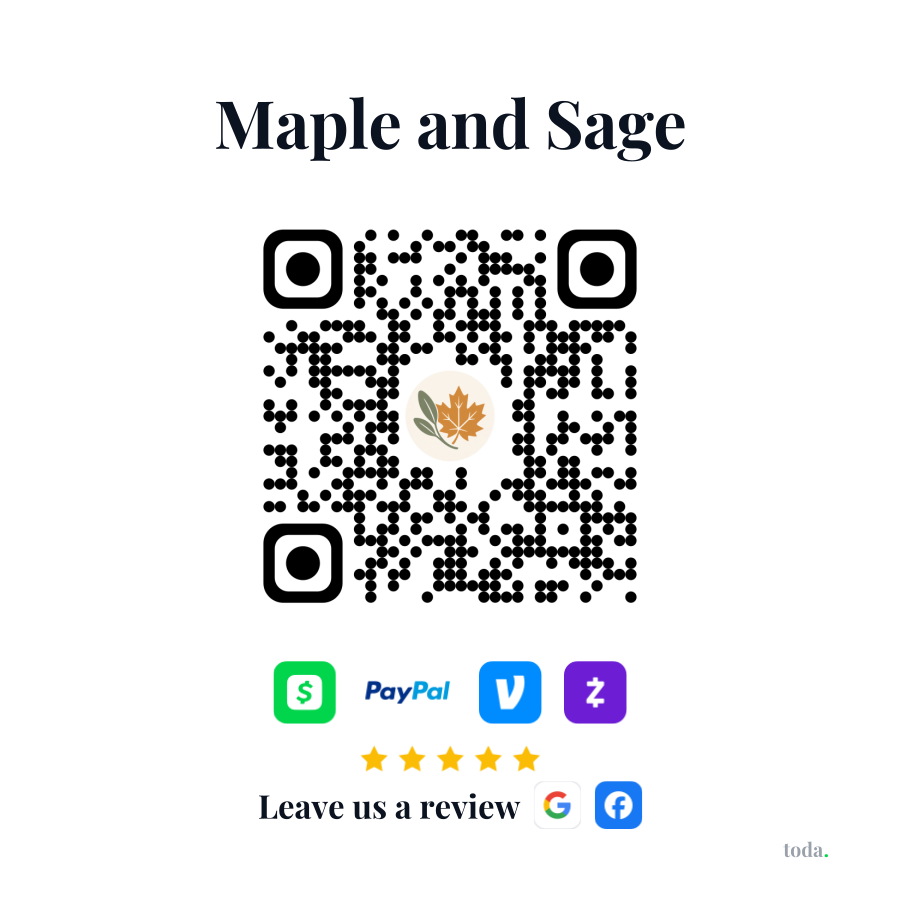
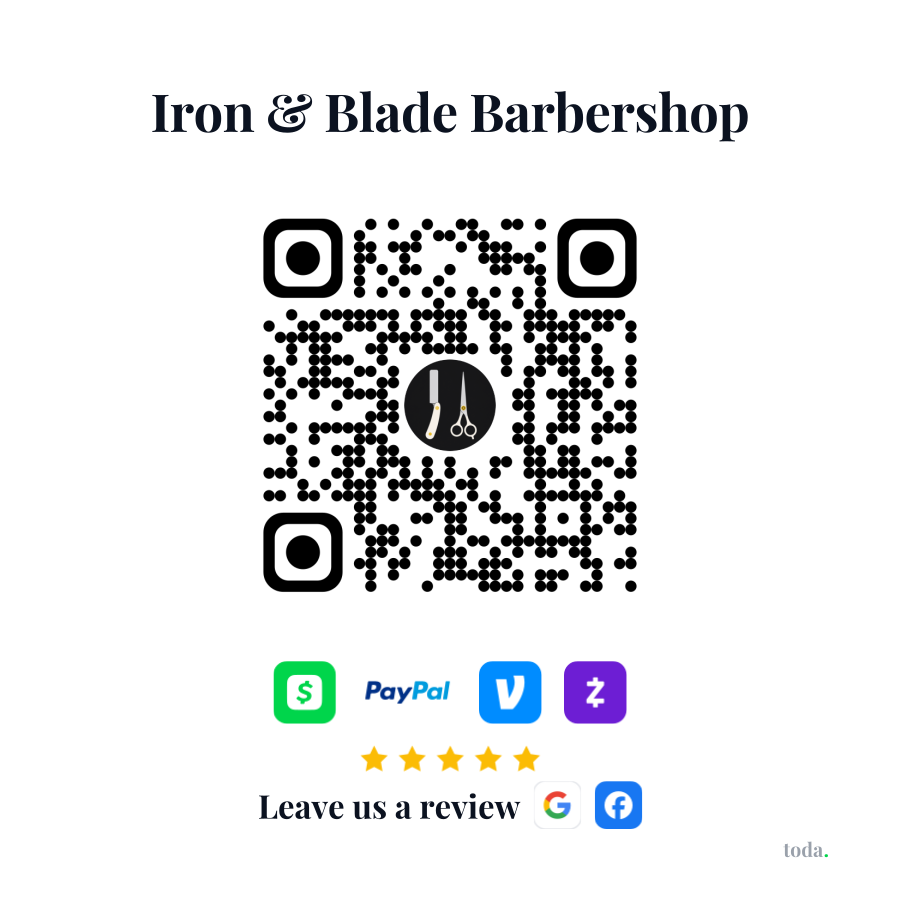
Real merchants’ stickers.
Every toda merchant can print one. Scan either sticker and you land on that merchant's live payment page.
Pricing
One plan. 14 days free.
Get paid, keep 100%.
- ✓Your page + QR code - print it yourself, stick it anywhere
- ✓Venmo, Cash App, PayPal & Zelle - straight to you
- ✓More Google reviews - asked the moment they pay
- ✓Apple Pay & cards on your page, toda takes 0%
- ✓Your brand - your logo in the QR, your colors
Same plan, save 44%.
Everything in monthly, plus:
- ✓About $3.33/mo - billed once a year
- ✓Priority support and first access to new features
Card required to start. We'll remind you before your first charge, and you can cancel anytime.
Questions? Answered.
Keep Venmo.
Reach everyone else too.
Sign up in minutes and try everything free for 14 days, then $5.99/mo. No hardware. No contracts. Cancel anytime.
Start your free trial →