Guide

A QR code to get paid.

A generic QR generator just points to a URL. You need one built for getting paid - one scan, any wallet the customer already has, money straight to your account.

Free forever · Venmo, Cash App, PayPal & Zelle · Print-ready QR sticker

Your customers pay withVenmoCash AppPayPalZelle

Most QR code tools were built for menus and links, not payments. Toda’s QR is built around one job: a customer scans it, picks Venmo, Cash App, PayPal or Zelle, and pays you directly - no card reader, no app for them to download, no cut for toda.

Step by step

How it works.

1 · Create your free page
Sign up and claim toda.cash/your-name in about two minutes. Your QR is generated automatically.
2 · Add your payment methods
Venmo, Cash App, PayPal and Zelle all show up as one-tap buttons behind the same QR.
3 · Print and place your QR
Download it or order a printed sticker for the counter, a table tent, an invoice, or a truck.
4 · Get paid on the spot
A scan opens your page in the browser - no app required - and the money goes straight to your account.

What you get

Real merchants’ stickers.

These are live pages, rendered from their actual accounts — not mockups. Scan either one and you land on the page that merchant gets paid through.
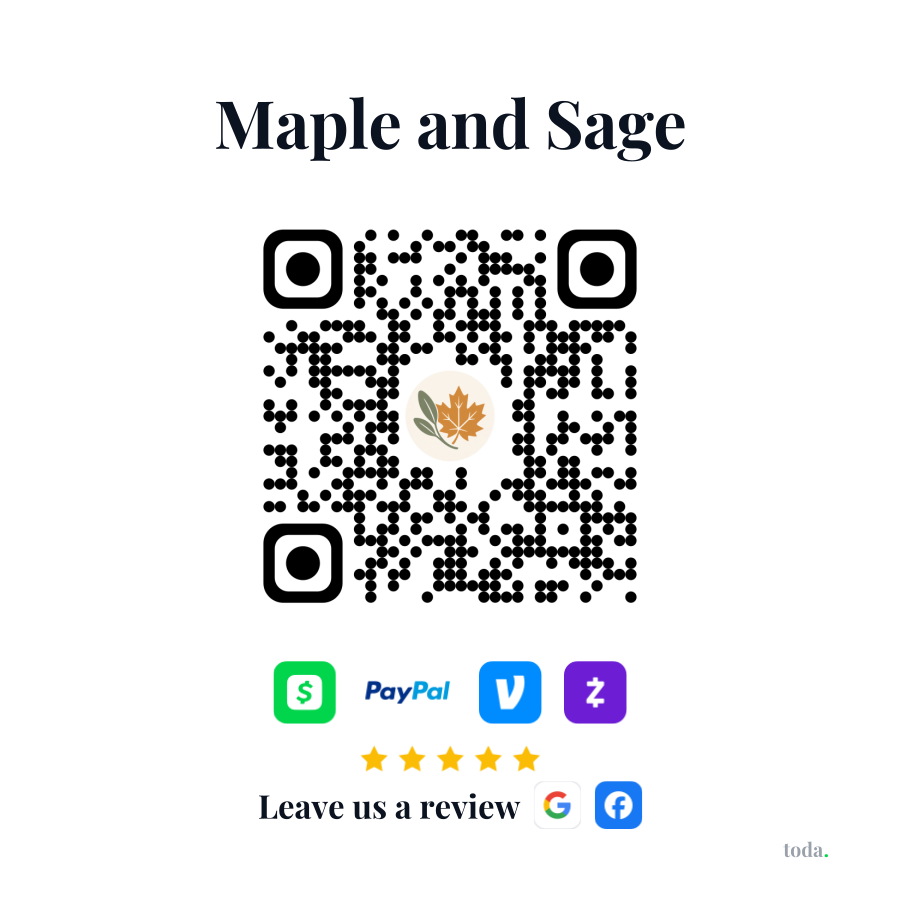
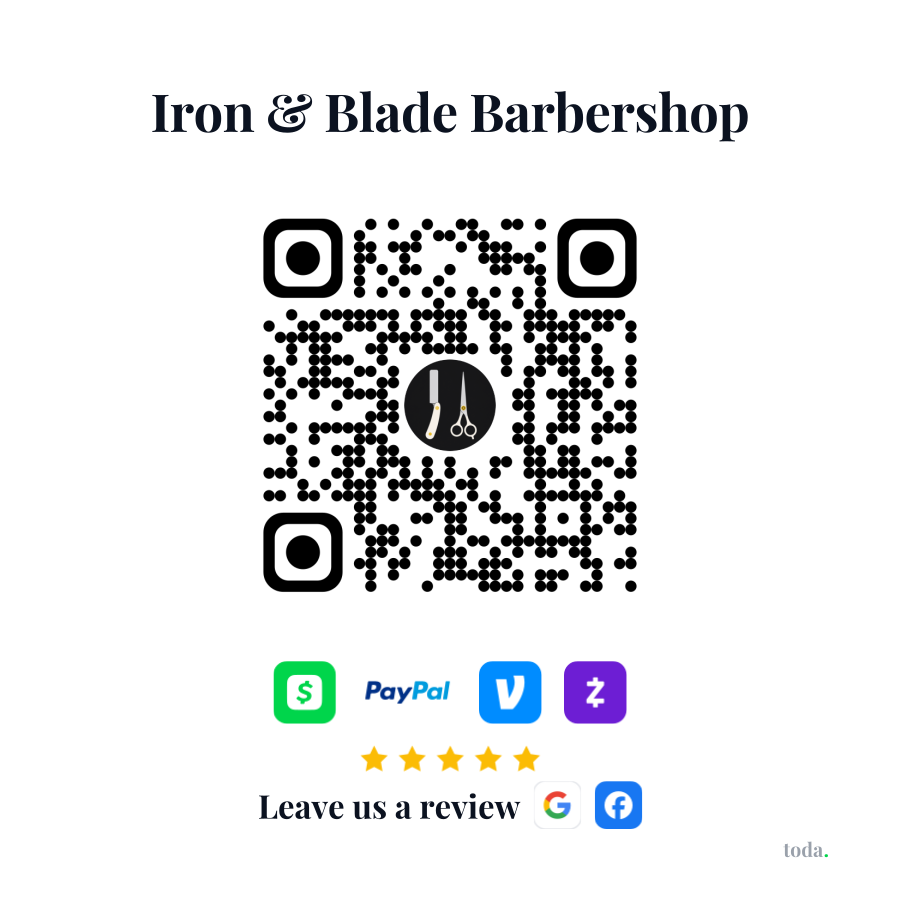
Printed toda QR sticker for Maple and SagePrinted toda QR sticker for Iron & Blade Barbershop

Pricing

Start free. Grow when ready.

Free
$0
forever free
  • Custom payment page at toda.cash/you
  • Styled QR code + printable sticker
  • Venmo, Cash App, PayPal & Zelle - always free
  • All social links (IG, TikTok, YouTube & more)
  • Basic page views & payment history
  • Upgrade anytime for branding & review links
Get started free
Pro
$5.99
per month · or $39.99/yr
  • Everything in Free
  • "Leave us a review" links - turn happy customers into Google & Facebook reviews
  • Your logo in the middle of your QR sticker
  • Your page, your brand - logo, colors & custom themes
  • Quick-tip buttons so customers tip faster
  • Online booking - first in line as it rolls out
  • Priority support
Start with Pro

Questions? Answered.

How do I make a QR code that gets me paid?
Create a free toda page and add the payment methods you want - Venmo, Cash App, PayPal and Zelle. A QR code is generated automatically and always points at your live page.
Does the customer need to download an app?
No. Scanning opens your payment page in their phone's browser, where they tap the wallet they already use. Nothing to install.
Is there a fee to use the QR code?
No. Your page and direct payments (Venmo, Cash App, PayPal, Zelle) are free forever and toda takes 0%. Pro ($5.99/mo) is optional and adds your logo in the QR, custom themes, and review links.
Can I print the QR code and put it somewhere physical?
Yes - download it yourself or order a printed sticker sized for a counter, register, tip jar or vehicle.
Accept Venmo, Cash App & PayPal in one link How to get paid without a website toda vs Square (no card reader)

One QR code.
Built to get paid.

Sign up in minutes - free forever as your payment page. Brand your page and grow your reviews anytime with Pro. No hardware. No contracts. Cancel anytime.

Create your free page →
Get your free page →