toda.cash for Hairstylists & Beauty Pros

How to get paid as a hairstylist.

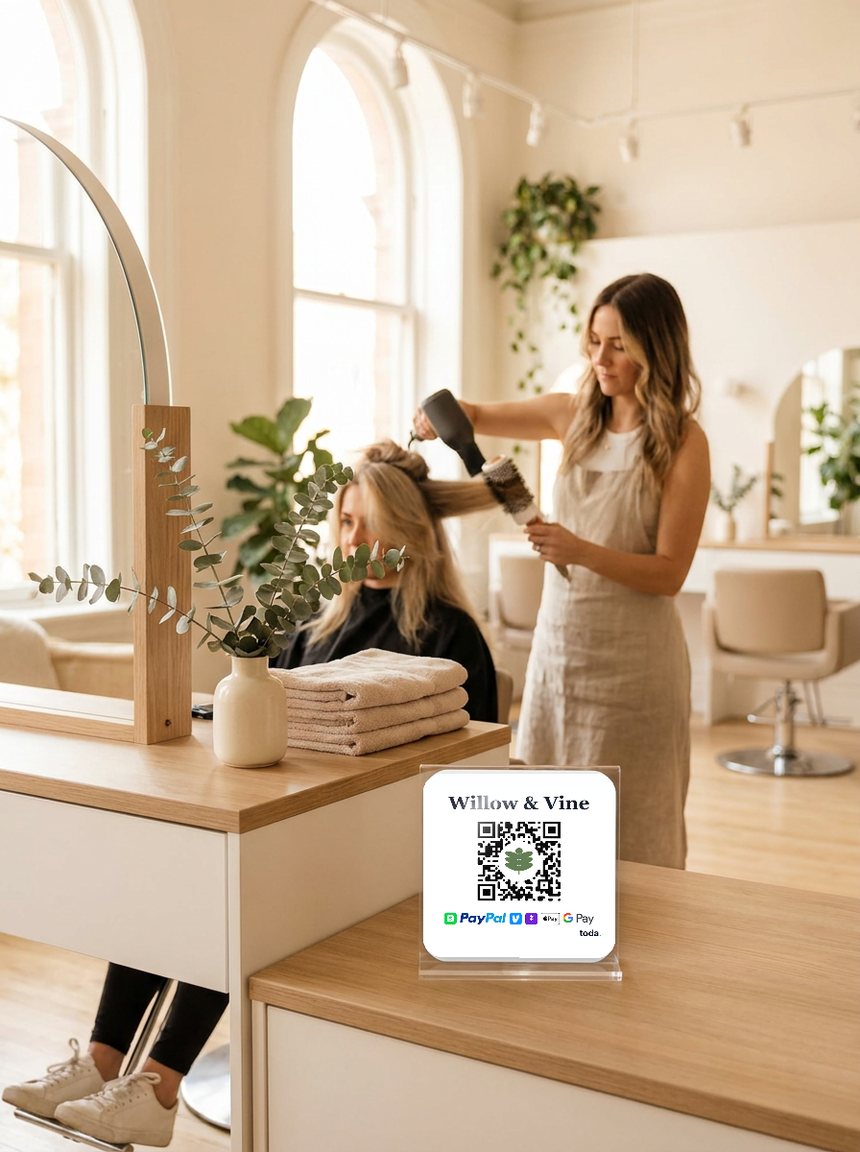
Clients want to tip and pay you - they just don't carry cash. Put one QR at your station so they pay with the apps they already have.

Free forever · No card reader · Branding & review links on Pro · Now on iPhone.

A hairstylist finishing a client, with a toda QR sticker at the station
Your customers pay withVenmoCash AppPayPalZelle
Payments go straight to your own Venmo, Cash App, PayPal or Zelle. We never hold your money.No app or account needed for your customersSet up in 2 minutes

How it works

Scan. Pay. Done.

Stick your QR anywhere. Someone scans and your payment page opens instantly - Venmo, Cash App, PayPal and Zelle.

1 · Set up in 2 minutes
Create your free toda page and link your Venmo and Cash App.
2 · Put your QR at your station
Print it for your mirror, station, or booth. We'll mail you one free when you go Pro.
3 · Clients pay before they leave
They scan and pay with Venmo, Cash App, PayPal or Zelle - no app, no account needed.

The review engine

Every payment can end in a review.

1 · They tip

One scan at the station. Any wallet, no app for the client.

2 · Toda asks

Toda asks for the review while they are still loving the new look.

3 · You grow

New clients pick stylists by reviews. Yours keep compounding.

Pricing

Start free. Grow when ready.

Free
$0
forever free

Get paid, keep 100%.

  • Your page + printable QR sticker
  • Venmo, Cash App, PayPal & Zelle, straight to you
  • All your social links in one place
Get started free
Pro
$5.99
per month · or $39.99/yr

Get paid, then get the review.

Everything in Free, plus:

  • More Google reviews - asked the moment they pay
  • Apple Pay & cards on your page, toda takes 0%
  • Your brand - your logo in the QR, your colors

Plus quick-tip buttons, priority support, and first access to new features.

Start with Pro

Questions? Answered.

Does my client need an app to pay or tip me?
No. They scan your QR with any phone camera and pay in seconds - nothing to download, no sign-up.
What if a client only has one payment app?
Your page covers Venmo, Cash App, PayPal and Zelle, so there's always a match.
Is it good for booth renters and independents?
Perfect for it. Your toda page is yours - your name, your methods, your payouts go straight to your accounts.
What does it cost?
Venmo, Cash App, PayPal and Zelle are always free, and toda takes 0%. Branding & review links come with Pro ($5.99/mo).
Can Toda get me more Google reviews?
Yes. On Pro, the thank-you screen after every payment asks your customer for a Google or Facebook review at the moment they are happiest. You set it up once by pasting your Google review link.
For barbers Accept Venmo, Cash App & PayPal in one link toda vs Linktree

Your chair is ready.
Get paid & tipped.

Sign up in minutes - free forever as your payment page. Brand your page and grow your reviews anytime with Pro. No hardware. No contracts. Cancel anytime.

Create your free page →
Get your free page →