Guide

A QR code for Google reviews.

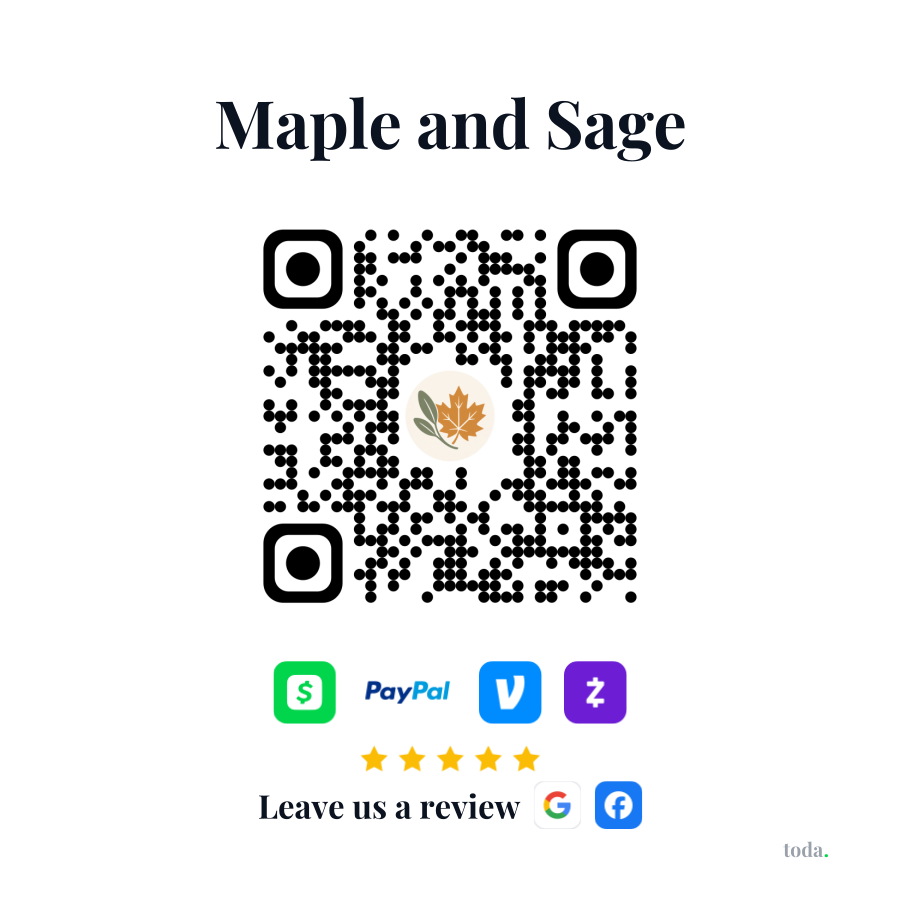
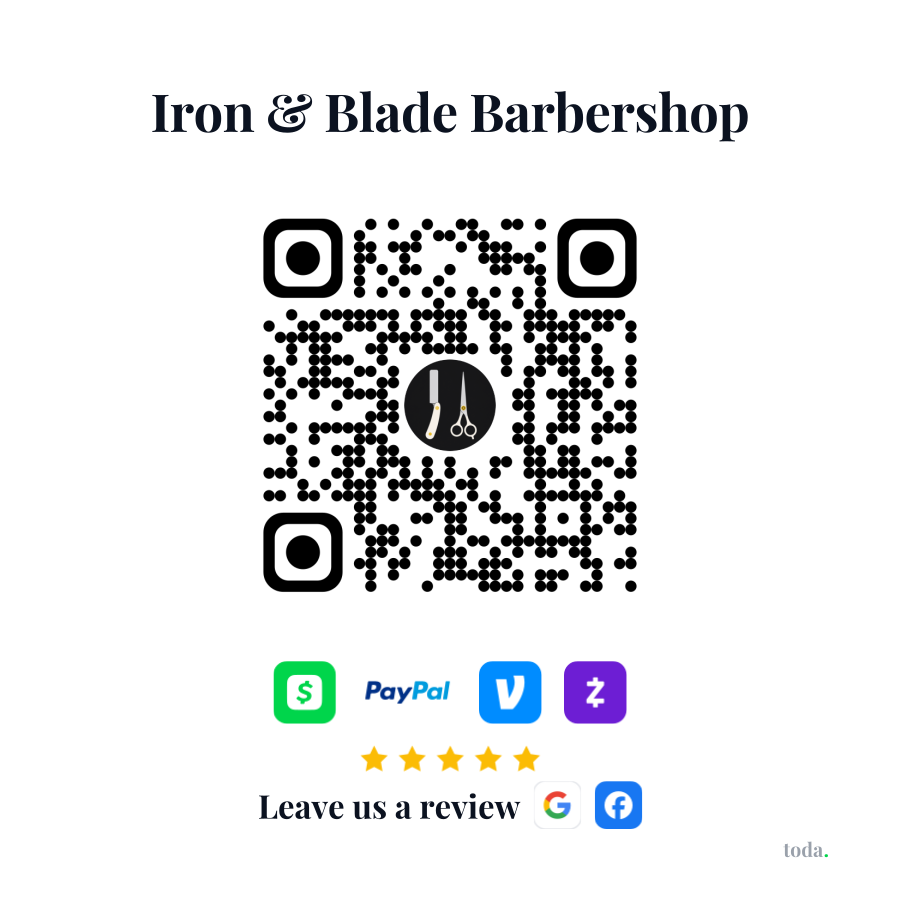
A review QR taped to the counter works. A QR that takes the payment first and then asks for the review works better, because the ask lands right after the thank-you.

Free to start ยท Review links on Pro ยท One QR for payments and reviews

Your customers pay withApple PayGoogle PayVenmoCash AppPayPalZelleVisaMastercard

Any QR generator can point at your Google review link. The problem is timing: a sticker that only asks for reviews gets scanned by almost nobody. Toda puts the review ask where every happy customer already is, on the thank-you screen right after they pay you through your QR.

Step by step

How it works.

๐Ÿ”—
1 ยท Copy your Google review link
In your Google Business Profile, tap "Ask for reviews" and copy the short link. Facebook has one too.
โšก
2 ยท Paste it into your toda page
Create your free page, then add the review link once on Pro. That is the whole setup.
๐Ÿ“Œ
3 ยท Print your QR sticker
One styled QR for the counter, chair, truck or tip jar. Pro mails you a free sticker with your logo in it.
โญ
4 ยท Every payment asks for the review
Customers scan, pay with any wallet, and the thank-you screen asks for the Google review.

Pricing

Start free. Grow when ready.

Free
$0
forever free
  • โœ“Custom payment page at toda.cash/you
  • โœ“Styled QR code + printable sticker
  • โœ“Venmo, Cash App, PayPal & Zelle - always free
  • โœ“All social links (IG, TikTok, YouTube & more)
  • โœ“Basic page views & payment history
  • โœ“Upgrade anytime to brand your page & accept cards
Get started free
Pro
$12
per month ยท or $120/yr
  • โœ“Everything in Free
  • โœ“Free QR sticker, mailed to you - with your logo in the middle
  • โœ“Your page, your brand - logo, colors & custom themes
  • โœ“Quick-tip buttons so customers tip faster
  • โœ“Online booking - first in line as it rolls out
  • โœ“Accept cards & Apple Pay (Stripe processing only)
  • โœ“Payouts to your own bank account
  • โœ“Priority support
Start with Pro

Questions? Answered.

Can I make a Google review QR code for free?
Yes, any QR generator can encode your review link. The catch is that a bare review QR rarely gets scanned. Tying the ask to the payment your customer is already making is what makes it work.
Is a review QR code allowed by Google?
Yes. Linking customers to the standard Google review form is exactly what Google's own "Ask for reviews" link is for. Never pay for reviews or filter who gets asked by rating.
Why ask at the moment of payment?
Because that is the happiest moment. The service is done, the experience is fresh, and the phone is already in their hand. Asks made days later mostly get ignored.
Does it work for Facebook reviews too?
Yes. Paste your Facebook page's review URL and Toda offers both options on the thank-you screen.
How the review engine works โ†’How to get more Google reviews โ†’toda vs Podium โ†’

One QR.
Payments and reviews.

Sign up in minutes - free forever as your payment page. Brand your page and get a free sticker (plus cards & Apple Pay) anytime with Pro. No hardware. No contracts. Cancel anytime.

Create your free page โ†’
Get your free page โ†’